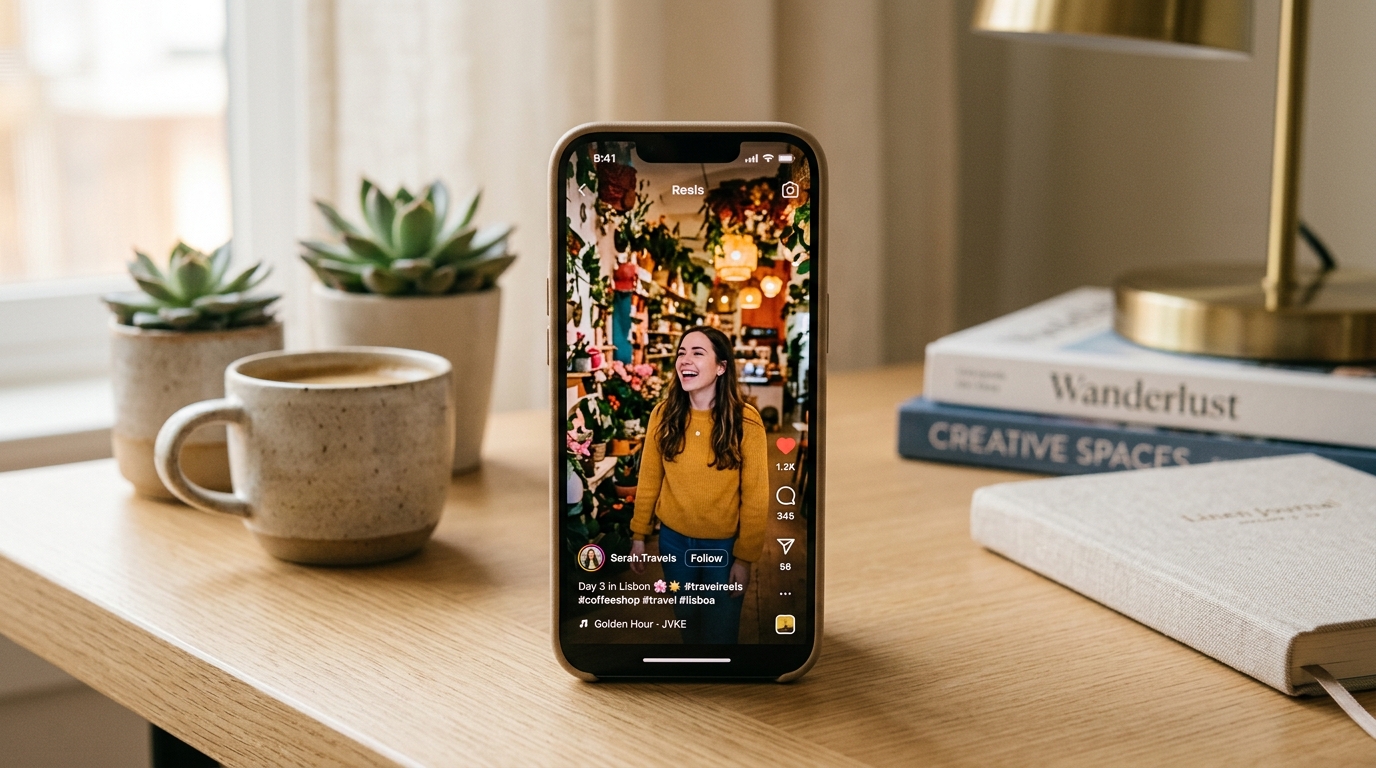
Copy the TikTok video link from the app or browser, paste it into Grabix, and click Download. Grabix automatically removes the bouncing TikTok logo and creator watermark, saving a clean, full HD MP4 video directly to your device.
Download TikTok Videos Without Watermark
Fast, free, and watermark-free downloader for TikTok videos, image slideshows, and original MP3 audio tracks.
Also try our other downloaders
How to Download TikTok Videos Without Watermark
Follow these three simple steps to save clean, high-definition TikTok videos in seconds.
01
Copy TikTok Link
Open TikTok, tap the Share icon on your favorite video or photo post, and tap "Copy Link".
02
Paste into Grabix
Paste the copied link into the input box above and click the Download button.
03
Save Unwatermarked MP4
Choose "No Watermark (HD)" or "Audio (MP3)" to save the clean original file directly to your gallery.
Why Use Grabix TikTok Downloader?
Engineered for seamless extraction with zero watermark and maximum audio fidelity.
100% Watermark-Free
Automatically removes the bouncing TikTok logo and creator username overlay from your video.
Original MP3 Audio
Extract background music and viral audio clips in crystal-clear MP3 format with one click.
Photo Slideshows
Full support for TikTok multi-photo posts and picture slideshows in original high resolution.
Frequently Asked Questions
Common questions about saving watermark-free TikTok videos with Grabix.
Paste your TikTok URL into Grabix and click the "Download Audio (MP3)" option. Grabix extracts the original background track or voiceover with pristine clarity.
Yes! Grabix fully supports TikTok photo mode and image slideshows, letting you download all high-resolution pictures individually without watermarks.
Grabix is 100% free with no apps, extensions, or software installations required. It works seamlessly in any browser across iOS, Android, Mac, Windows, and Linux.
Open Safari on your iPhone, paste the TikTok link, and tap Download. When the file finishes downloading, open Safari Downloads, tap the file, tap the Share icon, and select "Save Video" to send it to your Camera Roll.
Yes. On Chrome or Samsung Internet on Android, paste the TikTok link and tap Download. The clean MP4 video saves directly into your Downloads folder and gallery.
Never. Grabix completely removes TikTok’s watermark and creator stamp, and we never add any logos or branding of our own.
No. Grabix strictly respects creator privacy settings and platform security. Only publicly accessible TikTok videos and slideshows can be processed.
No. TikTok does not notify creators when their public videos are downloaded through Grabix. The process is completely anonymous.
Make sure your phone is not in silent mode. If TikTok muted the audio due to regional music copyright restrictions, the video stream will play silently. Otherwise, Grabix preserves the complete synchronized original audio.